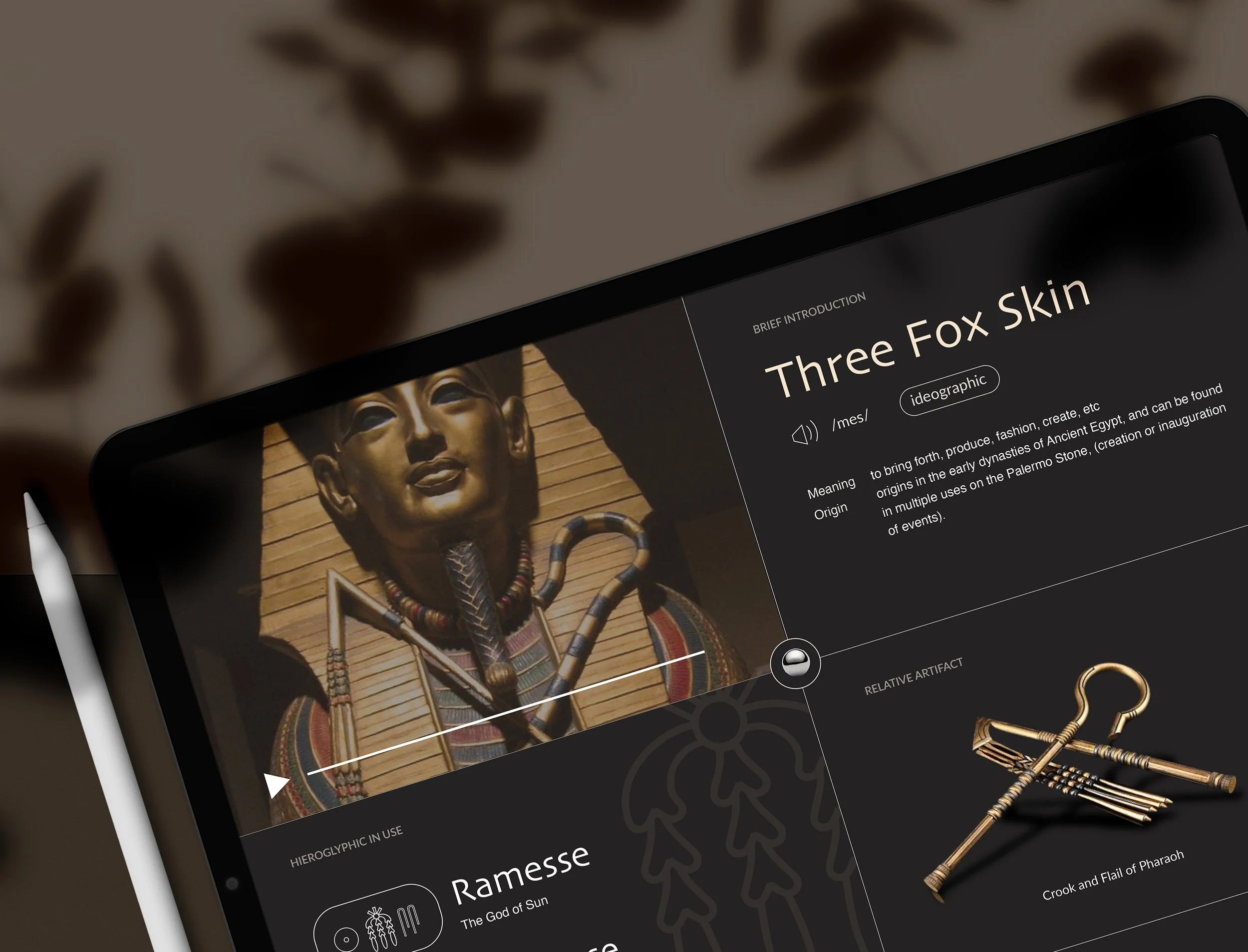
Close-up of a digital tablet displaying an educational content about ancient Egyptian artifacts, including a golden mask with traditional Egyptian face paint and jewelry, and a gold staff or scepter with hieroglyphic decorations, with a background of dried leaves.

Rosetta Stone

Date

Figma
Adobe Illustrator

Software

May 2023

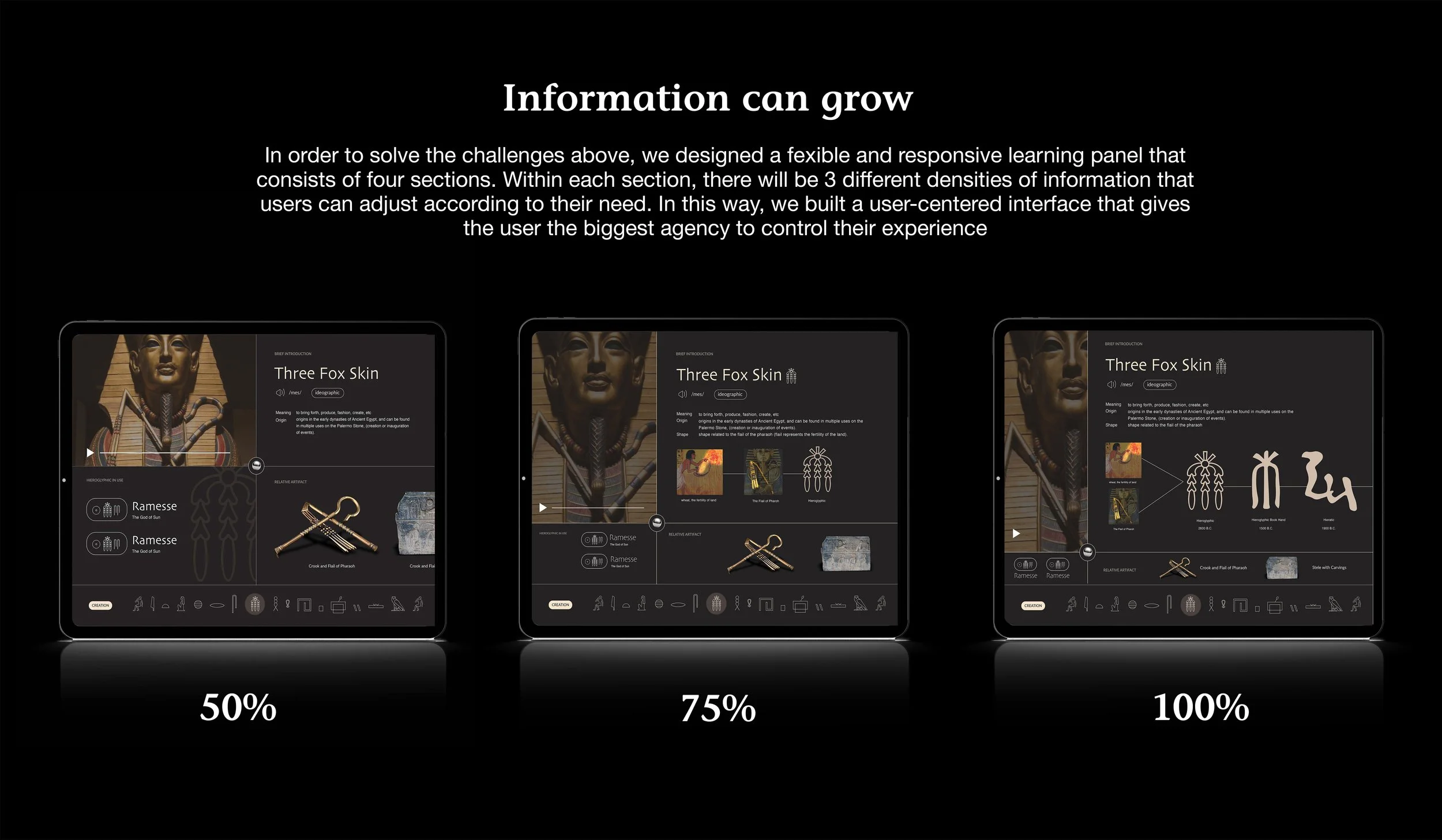
The Rosetta Stone app transforms the traditionally complex and research-heavy process of studying ancient Egyptian language and culture into an interactive and engaging learning experience. We employed a flexible, modular system that allows users to explore the content in a way that suits their interests. With expandable information, the app offers layers of detail, from basic characters to the deeper cultural context behind them, all in a user-friendly interface. We made sure the learning flow remained intuitive and seamless, with a design that adapts to users' evolving curiosity.

Summary
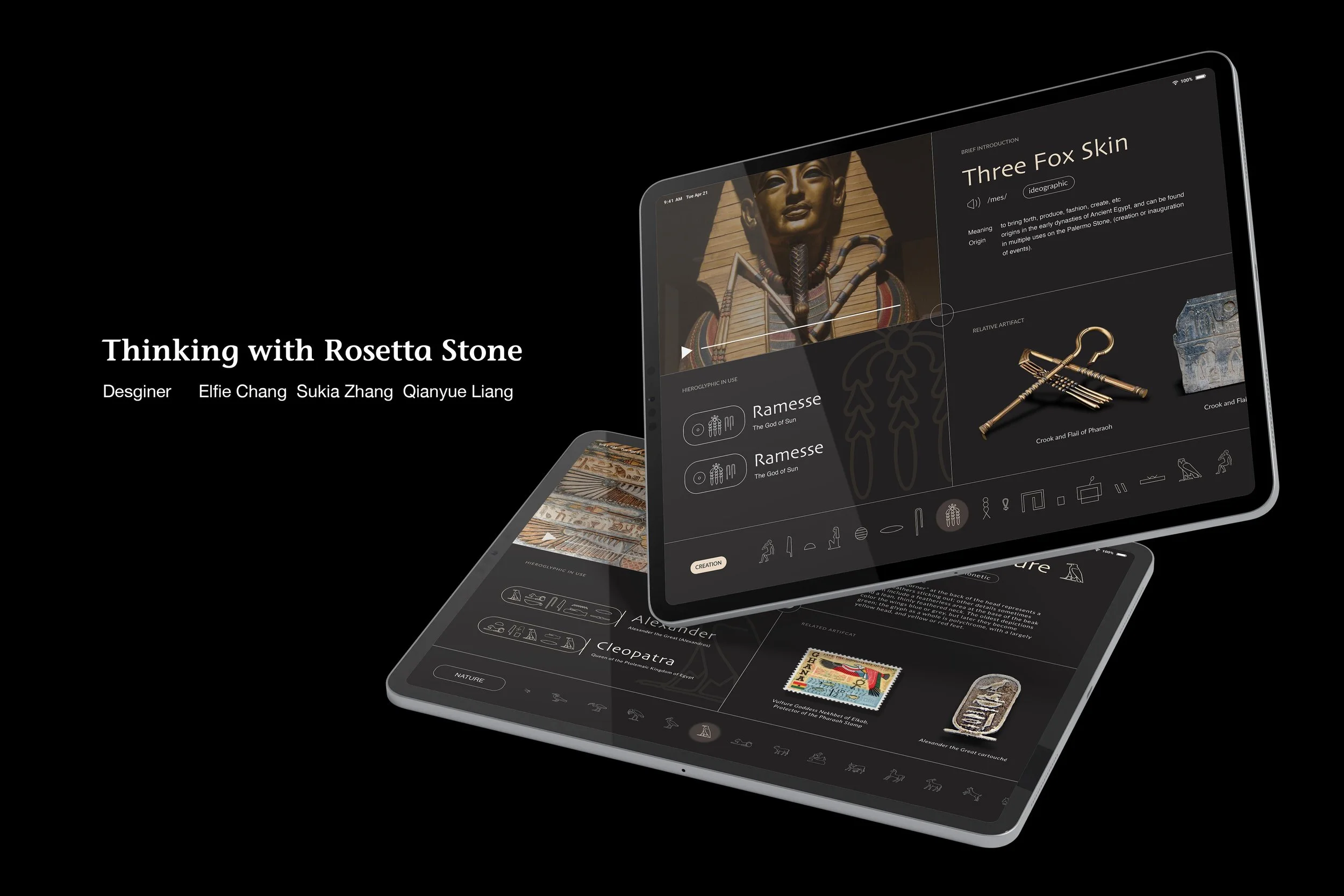
A digital tablet displaying an educational app about ancient Egyptian artifacts and symbols, with images of statues, hieroglyphs, and artifacts on a black background.
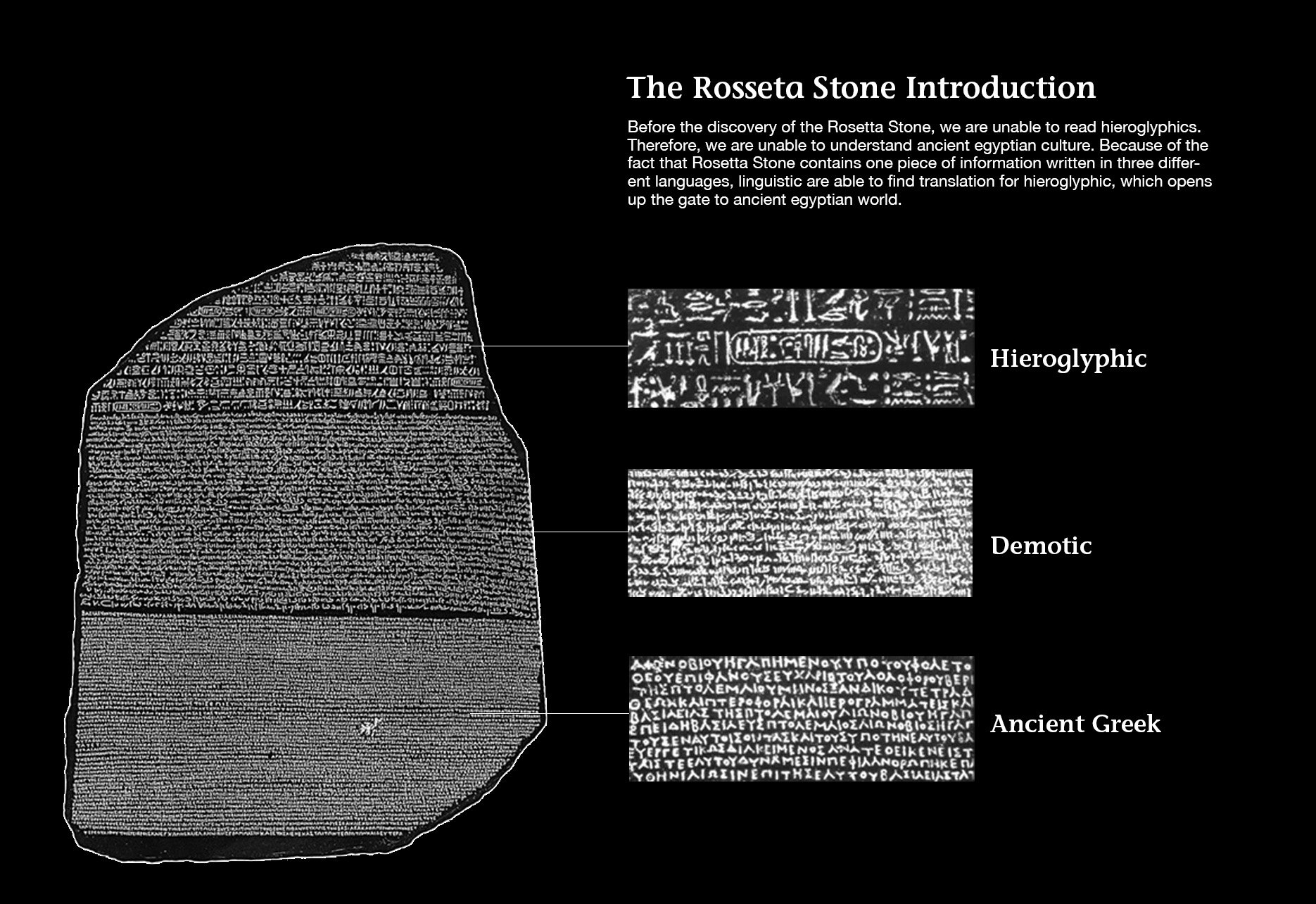
Diagram of the Rosetta Stone with sections labeled Hieroglyphic, Demotic, and Ancient Greek, showing the different scripts carved into the stone.
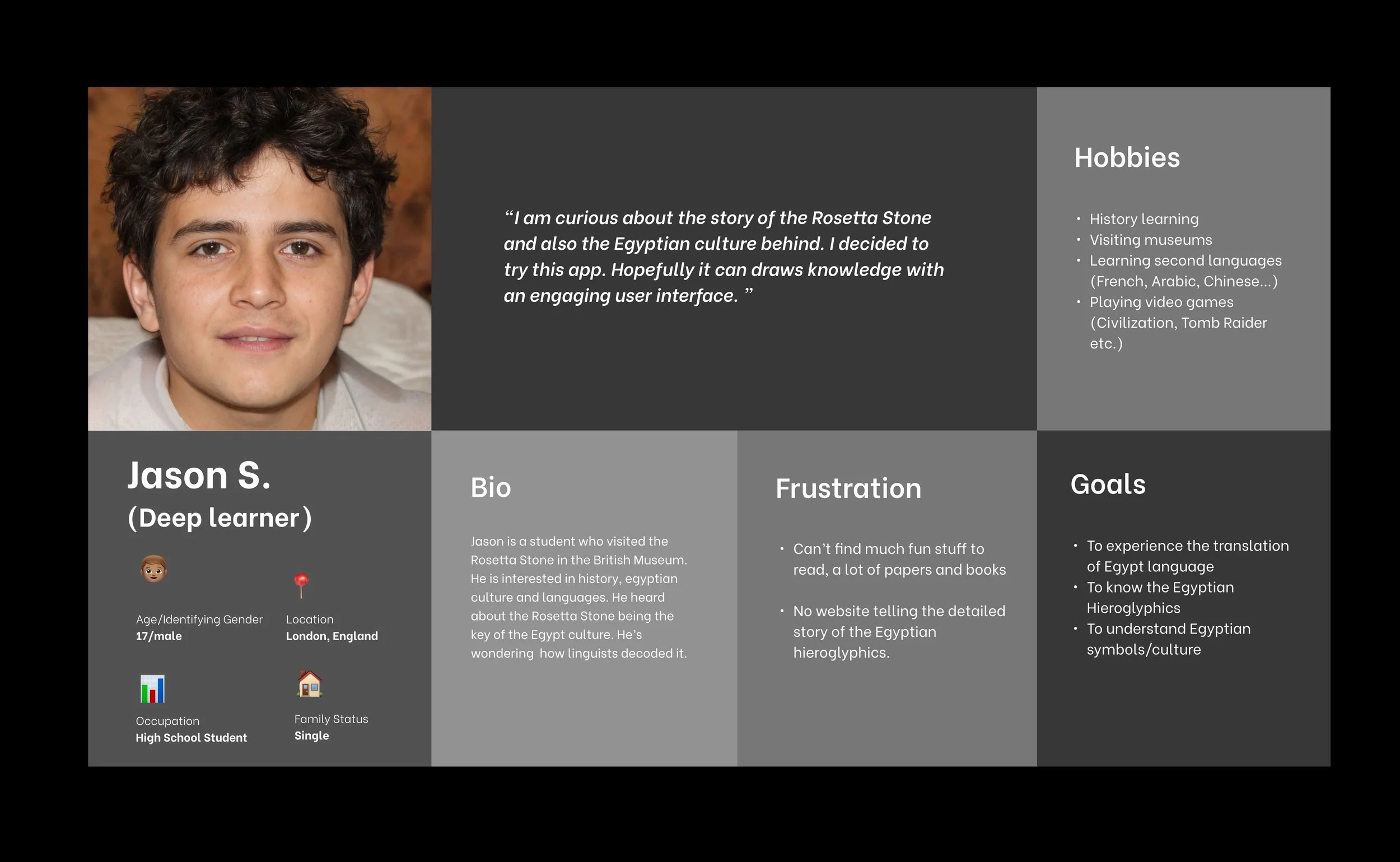
A profile page of a young male student named Jason S., a deep learner. Features include a headshot, personal details such as age 17, male, located in London, England, an icon representing high school student, and single family status. The page includes sections with quotes and information about hobbies related to Egyptian culture, history, visiting museums, learning languages, playing games, and goals like experiencing Egyptian hieroglyphics and understanding Egyptian symbols.
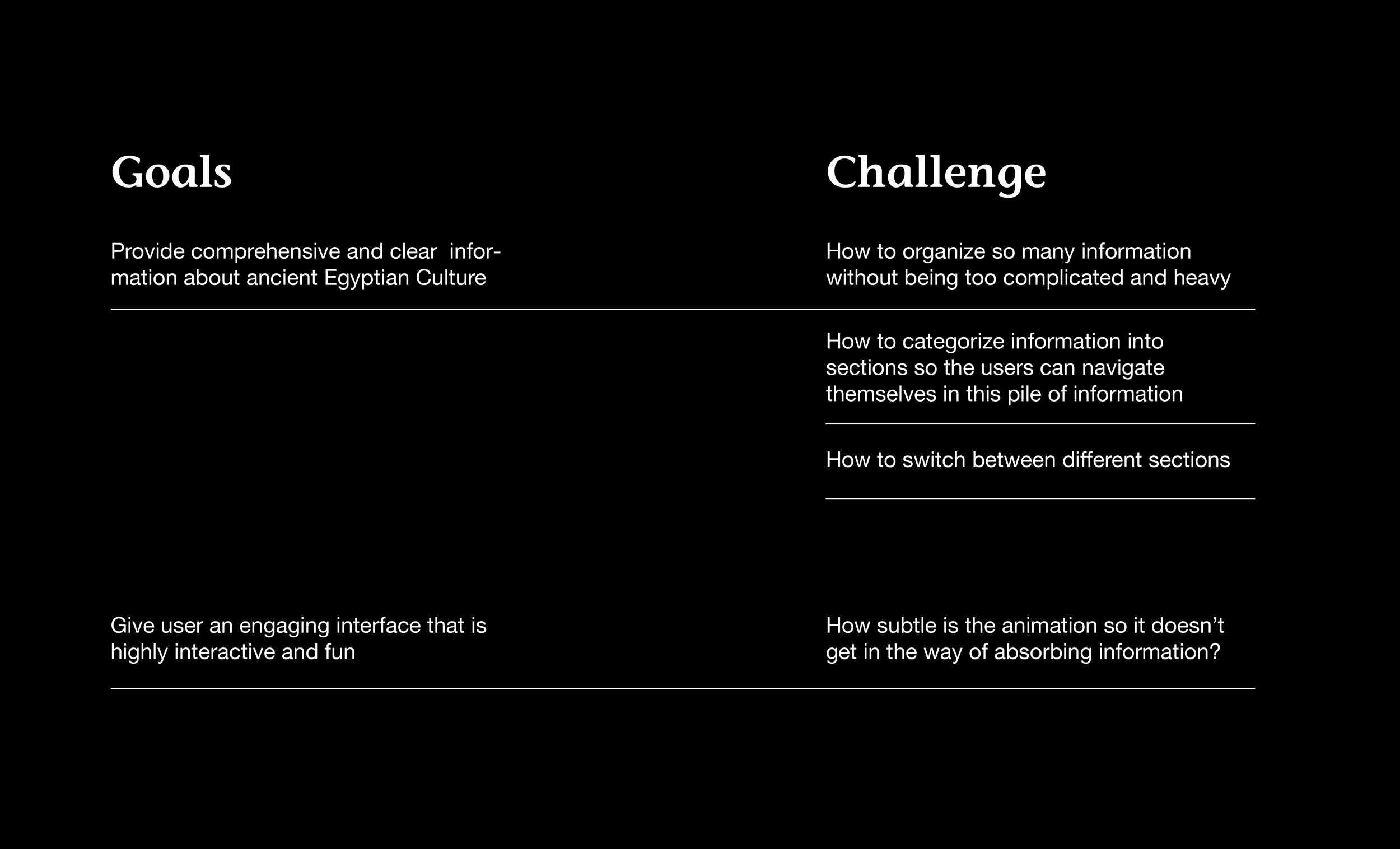
A presentation slide with a black background and white text. The slide is divided into two columns labeled 'Goals' on the left and 'Challenge' on the right. The Goals column states, 'Provide comprehensive and clear information about ancient Egyptian Culture,' while the Challenge column lists, 'How to organize so many information without being too complicated and heavy,' 'How to categorize information into sections so the users can navigate themselves in this pile of information,' and 'How to switch between different sections.' Additional text at the bottom says, 'Give user an engaging interface that is highly interactive and fun,' and 'How subtle is the animation so it doesn’t get in the way of absorbing information.'
Comparison of digital learning panels shown at 50%, 75%, and 100% brightness levels, featuring Egyptian artifacts and educational content.
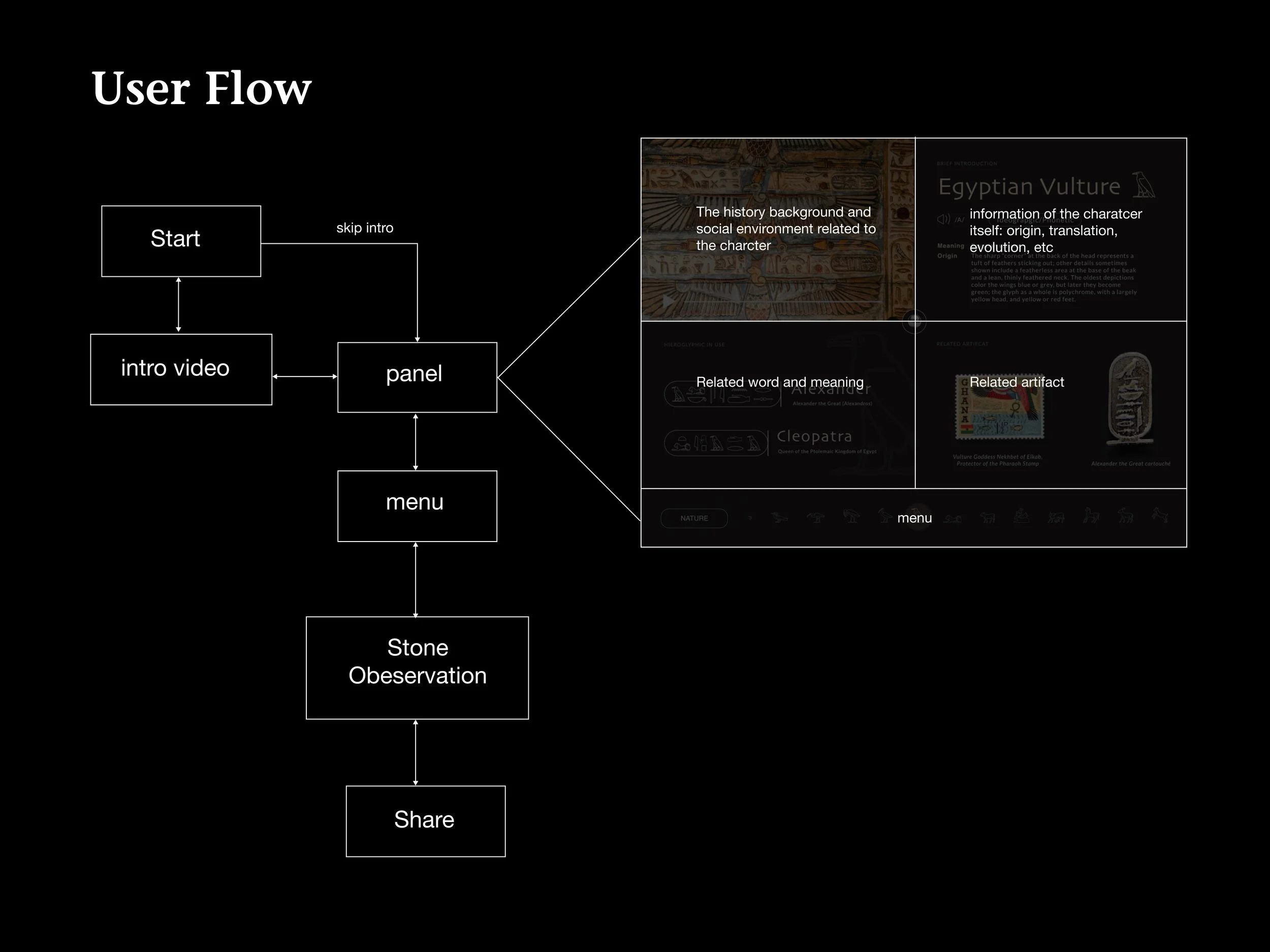
A flowchart titled 'User Flow' with steps including start, intro video, menu, stone observation, and share, with small inset images showing Egyptian artifacts and text discussing Egyptian vultures and hieroglyphics.

User Interface for Creatives:
Submitting a gig and user profile

User Interface for Business:
Monitoring Creative’s proress